Computer Networks Assignment
2024, September 9
This document covers fundamental concepts of networking, including definitions, differences, and examples of common networking terms and models.
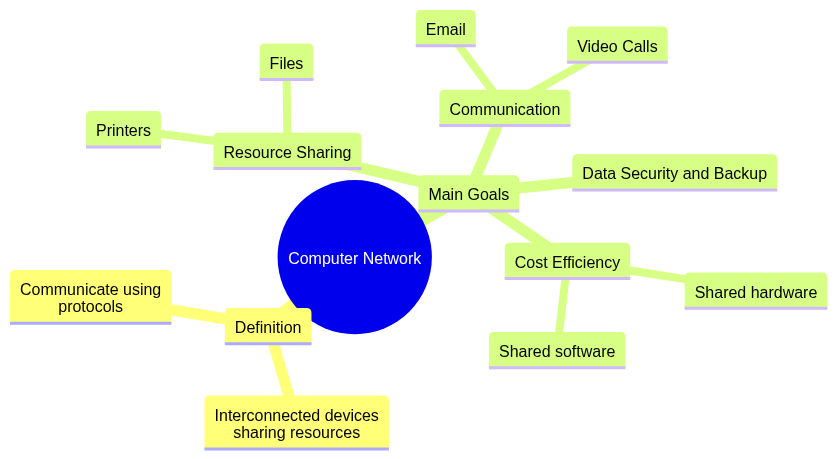
A computer network is a collection of interconnected devices (computers, servers, etc.) that share resources and communicate using a set of defined protocols.
Main Goals:
mindmap
  root((Computer Network))
    Definition
      Interconnected devices sharing resources
      Communicate using protocols
    Main Goals
      Resource Sharing
        Printers
        Files
      Communication
        Email
        Video Calls
      Data Security and Backup
      Cost Efficiency
        Shared hardware
        Shared software
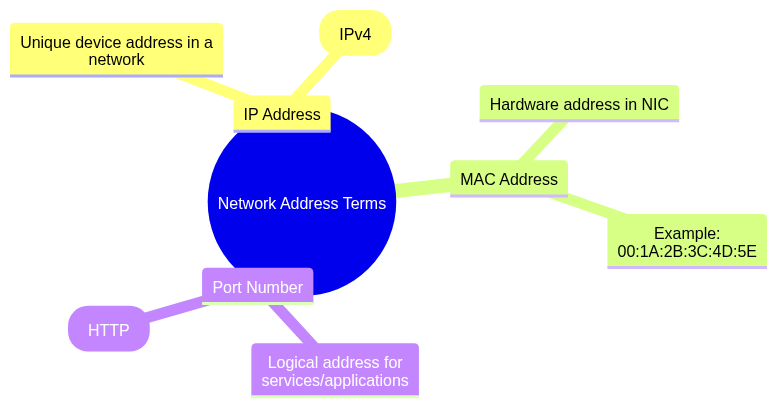
IP Address: A unique address assigned to a device for communication in a network.
Example: 192.168.1.1 (IPv4).
MAC Address: A hardware address embedded in a device's network interface card (NIC).
Example: 00:1A:2B:3C:4D:5E.
Port Number: A logical address within a device used to identify specific services or applications.
Example: Port 80 for HTTP.
mindmap
  root((Network Address Terms))
    IP Address
      Unique device address in a network
      Example: 192.168.1.1 (IPv4)
    MAC Address
      Hardware address in NIC
      Example: 00:1A:2B:3C:4D:5E
    Port Number
      Logical address for services/applications
      Example: Port 80 (HTTP)
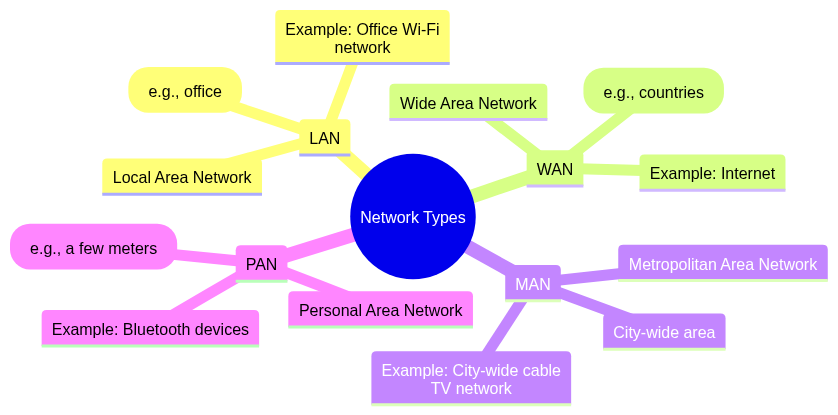
| Type | Full Form | Coverage | Example |
|---|---|---|---|
| LAN | Local Area Network | Small area (e.g., office). | Office Wi-Fi network. |
| WAN | Wide Area Network | Large area (e.g., countries). | Internet. |
| MAN | Metropolitan Area Network | City-wide area. | City-wide cable TV network. |
| PAN | Personal Area Network | Very small area (e.g., a few meters). | Bluetooth devices. |
mindmap
  root((Network Types))
    LAN
      Local Area Network
      Small area (e.g., office)
      Example: Office Wi-Fi network
    WAN
      Wide Area Network
      Large area (e.g., countries)
      Example: Internet
    MAN
      Metropolitan Area Network
      City-wide area
      Example: City-wide cable TV network
    PAN
      Personal Area Network
      Very small area (e.g., a few meters)
      Example: Bluetooth devices
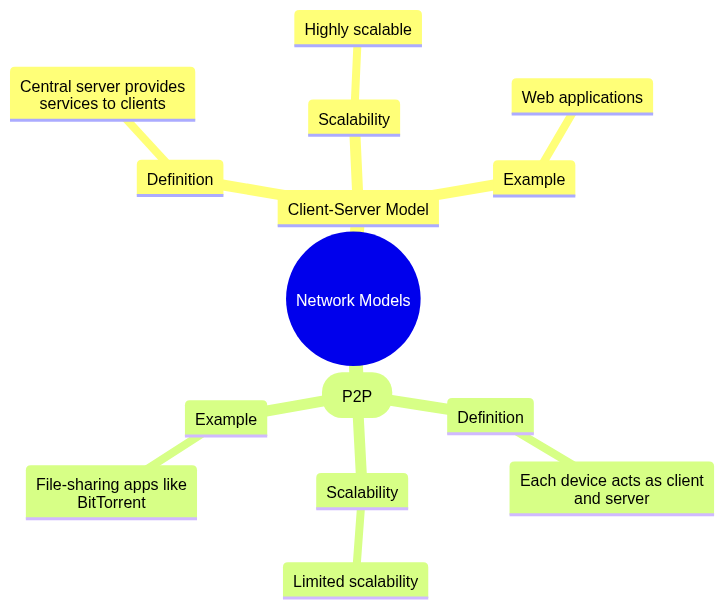
| Feature | Client-Server Model | Peer-to-Peer (P2P) |
|---|---|---|
| Definition | Central server provides services to clients. | Each device acts as client and server. |
| Scalability | Highly scalable. | Limited scalability. |
| Example | Web applications. | File-sharing apps like BitTorrent. |
mindmap
  root((Network Models))
    Client-Server Model
      Definition
        Central server provides services to clients
      Scalability
        Highly scalable
      Example
        Web applications
    Peer-to-Peer (P2P)
      Definition
        Each device acts as client and server
      Scalability
        Limited scalability
      Example
        File-sharing apps like BitTorrent
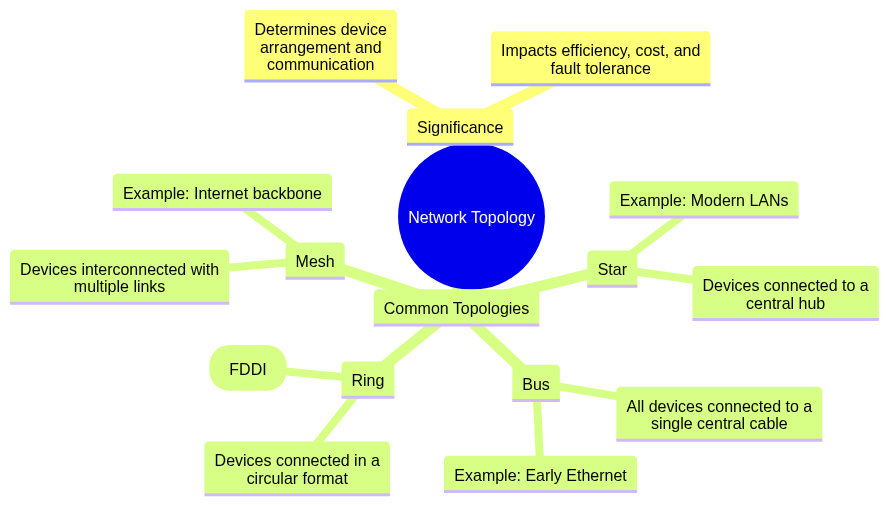
Significance: Network topology determines how devices are arranged and communicate, impacting efficiency, cost, and fault tolerance.
Common Topologies:
mindmap
  root((Network Topology))
    Significance
      Determines device arrangement and communication
      Impacts efficiency, cost, and fault tolerance
    Common Topologies
      Bus
        All devices connected to a single central cable
        Example: Early Ethernet
      Star
        Devices connected to a central hub
        Example: Modern LANs
      Ring
        Devices connected in a circular format
        Example: Fiber Distributed Data Interface (FDDI)
      Mesh
        Devices interconnected with multiple links
        Example: Internet backbone
This section covers the purpose of network protocols, the OSI model, comparisons with the TCP/IP model, and key concepts such as IPv4 vs IPv6 and DHCP.
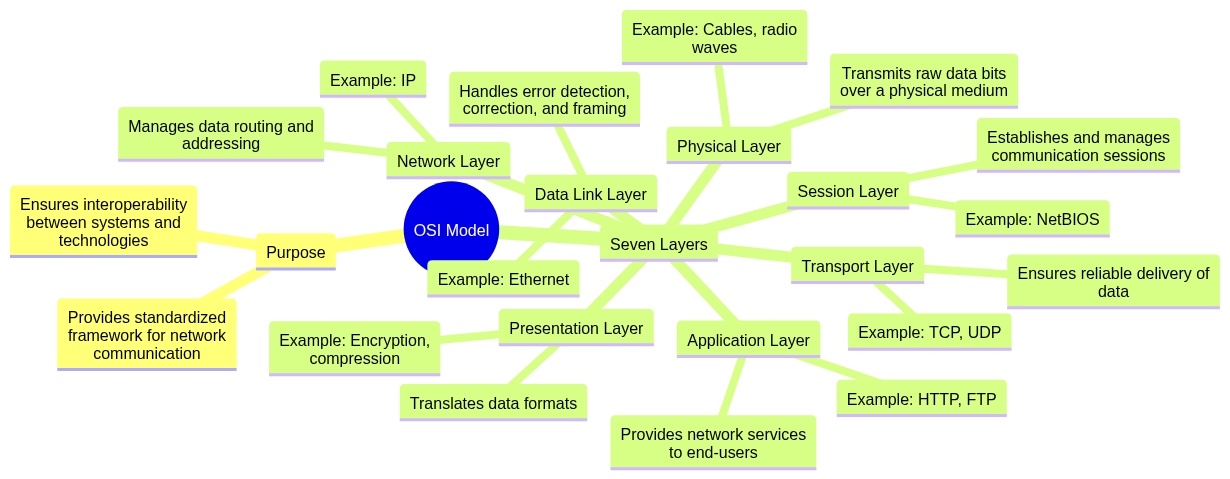
Purpose: The OSI Model provides a standardized framework for understanding and designing network communication, ensuring interoperability between different systems and technologies.
Seven Layers:
mindmap
  root((OSI Model))
    Purpose
      Provides standardized framework for network communication
      Ensures interoperability between systems and technologies
    Seven Layers
      Physical Layer
        Transmits raw data bits over a physical medium
        Example: Cables, radio waves
      Data Link Layer
        Handles error detection, correction, and framing
        Example: Ethernet
      Network Layer
        Manages data routing and addressing
        Example: IP
      Transport Layer
        Ensures reliable delivery of data
        Example: TCP, UDP
      Session Layer
        Establishes and manages communication sessions
        Example: NetBIOS
      Presentation Layer
        Translates data formats
        Example: Encryption, compression
      Application Layer
        Provides network services to end-users
        Example: HTTP, FTP
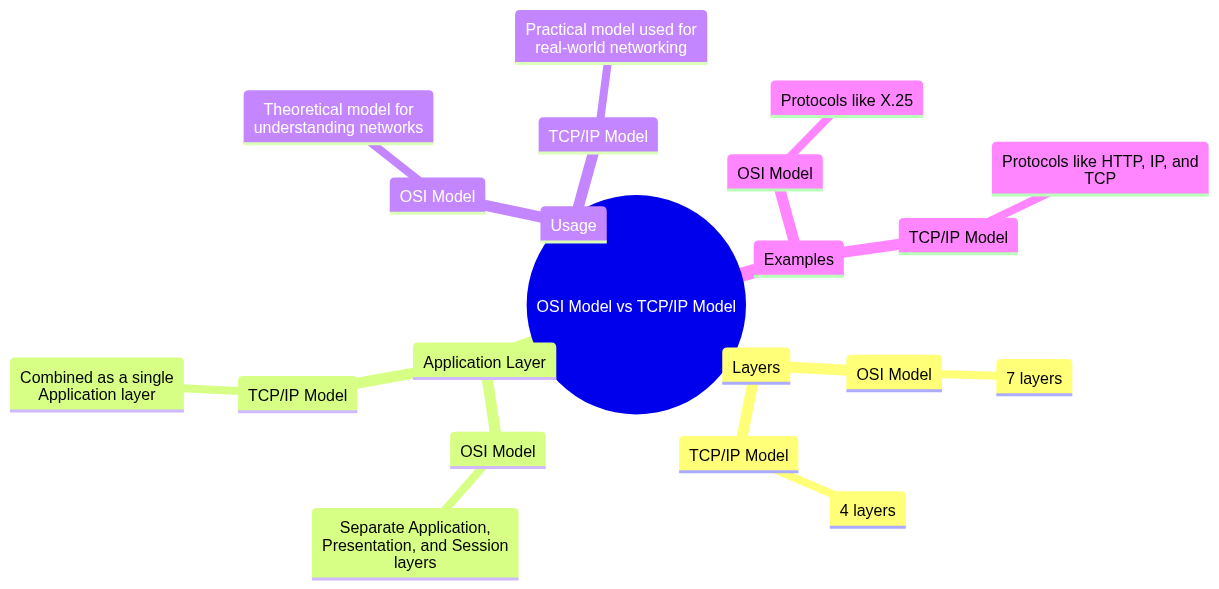
| Feature | OSI Model | TCP/IP Model |
|---|---|---|
| Layers | 7 layers. | 4 layers. |
| Application Layer | Separate Application, Presentation, and Session layers. | Combined as a single Application layer. |
| Usage | Theoretical model for understanding networks. | Practical model used for real-world networking. |
| Examples | Protocols like X.25. | Protocols like HTTP, IP, and TCP. |
mindmap
  root((OSI Model vs TCP/IP Model))
    Layers
      OSI Model
        7 layers
      TCP/IP Model
        4 layers
    Application Layer
      OSI Model
        Separate Application, Presentation, and Session layers
      TCP/IP Model
        Combined as a single Application layer
    Usage
      OSI Model
        Theoretical model for understanding networks
      TCP/IP Model
        Practical model used for real-world networking
    Examples
      OSI Model
        Protocols like X.25
      TCP/IP Model
        Protocols like HTTP, IP, and TCP
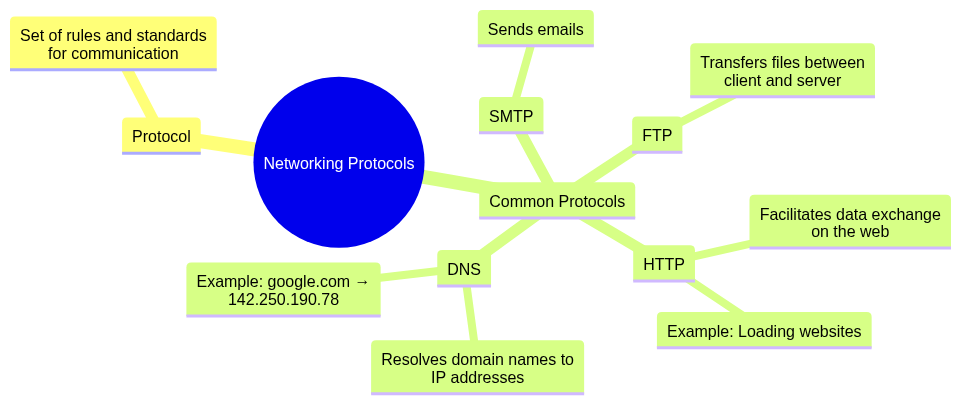
Protocol: A set of rules and standards that enable communication between devices in a network.
Common Protocols:
google.com → 142.250.190.78).
mindmap
  root((Networking Protocols))
    Protocol
      Set of rules and standards for communication
    Common Protocols
      HTTP
        Facilitates data exchange on the web
        Example: Loading websites
      FTP
        Transfers files between client and server
      SMTP
        Sends emails
      DNS
        Resolves domain names to IP addresses
        Example: google.com → 142.250.190.78
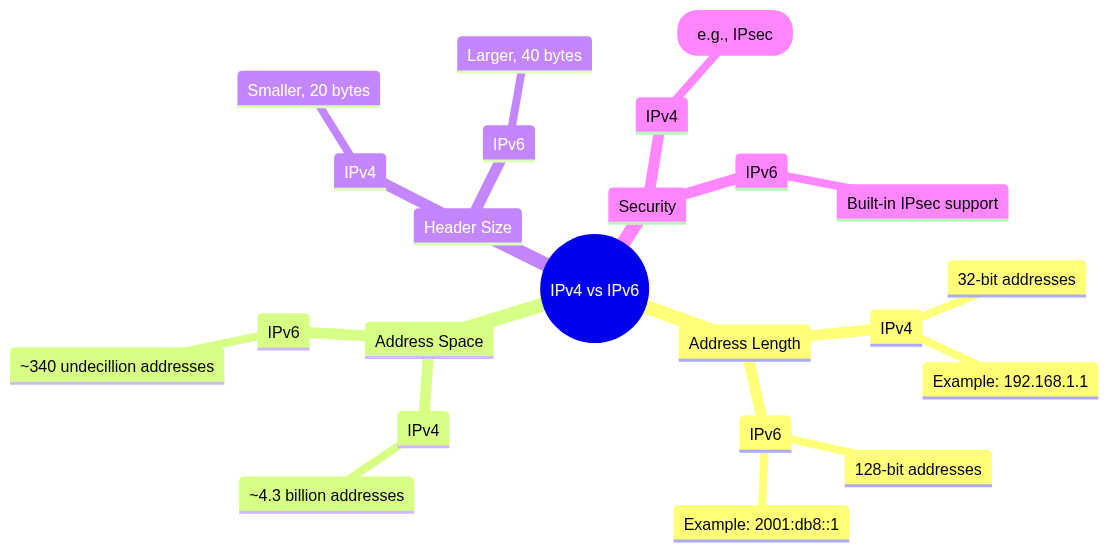
| Feature | IPv4 | IPv6 |
|---|---|---|
| Address Length | 32-bit addresses (e.g., 192.168.1.1). |
128-bit addresses (e.g., 2001:db8::1). |
| Address Space | ~4.3 billion addresses. | ~340 undecillion addresses. |
| Header Size | Smaller, 20 bytes. | Larger, 40 bytes. |
| Security | Optional (e.g., IPsec). | Built-in IPsec support. |
mindmap
  root((IPv4 vs IPv6))
    Address Length
      IPv4
        32-bit addresses
        Example: 192.168.1.1
      IPv6
        128-bit addresses
        Example: 2001:db8::1
    Address Space
      IPv4
        ~4.3 billion addresses
      IPv6
        ~340 undecillion addresses
    Header Size
      IPv4
        Smaller, 20 bytes
      IPv6
        Larger, 40 bytes
    Security
      IPv4
        Optional (e.g., IPsec)
      IPv6
        Built-in IPsec support
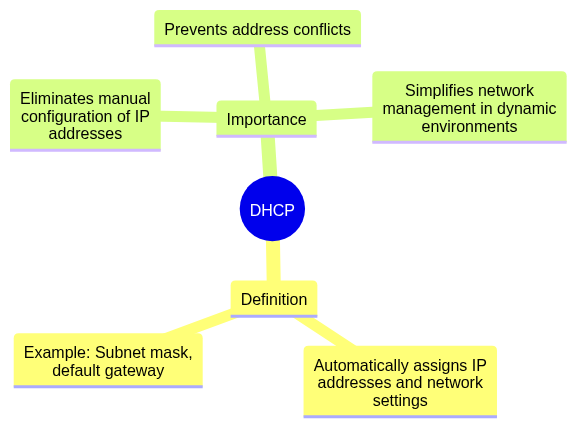
DHCP (Dynamic Host Configuration Protocol):
A protocol that automatically assigns IP addresses and other network configuration settings (e.g., subnet mask, default gateway) to devices in a network.
Importance:
mindmap
  root((DHCP))
    Definition
      Automatically assigns IP addresses and network settings
      Example: Subnet mask, default gateway
    Importance
      Eliminates manual configuration of IP addresses
      Prevents address conflicts
      Simplifies network management in dynamic environments
This section explores different communication methods, switching techniques, and essential networking concepts like subnet masks, bandwidth, throughput, and latency.
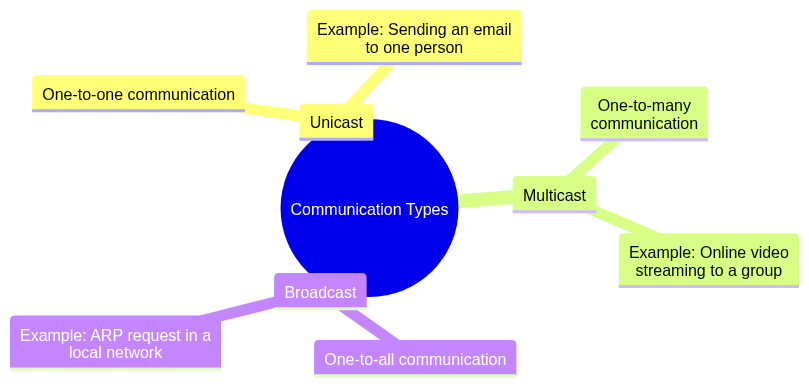
mindmap
  root((Communication Types))
    Unicast
      One-to-one communication
      Example: Sending an email to one person
    Multicast
      One-to-many communication
      Example: Online video streaming to a group
    Broadcast
      One-to-all communication
      Example: ARP request in a local network
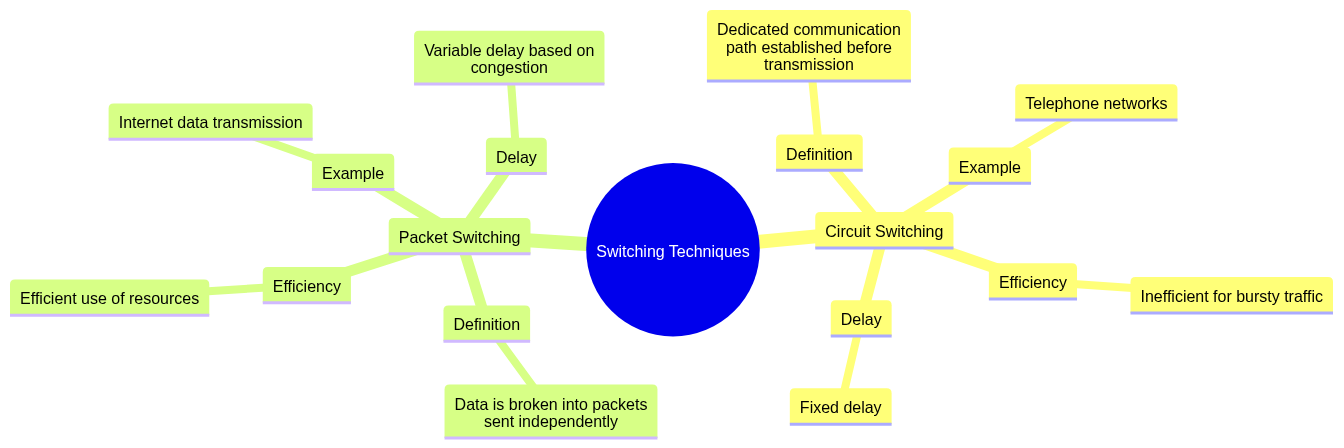
| Feature | Circuit Switching | Packet Switching |
|---|---|---|
| Definition | Dedicated communication path established before transmission. | Data is broken into packets sent independently. |
| Efficiency | Inefficient for bursty traffic. | Efficient use of resources. |
| Example | Telephone networks. | Internet data transmission. |
| Delay | Fixed delay. | Variable delay based on congestion. |
mindmap
  root((Switching Techniques))
    Circuit Switching
      Definition
        Dedicated communication path established before transmission
      Efficiency
        Inefficient for bursty traffic
      Example
        Telephone networks
      Delay
        Fixed delay
    Packet Switching
      Definition
        Data is broken into packets sent independently
      Efficiency
        Efficient use of resources
      Example
        Internet data transmission
      Delay
        Variable delay based on congestion
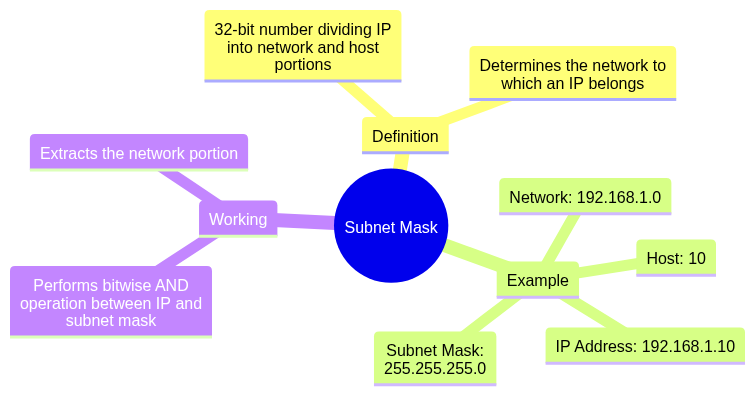
Subnet Mask: A 32-bit number used to divide an IP address into network and host portions. It helps determine the network to which an IP address belongs.
Example:
192.168.1.10.255.255.255.0 → Network: 192.168.1.0, Host: 10.Working: It performs a bitwise AND operation between the IP address and the subnet mask to extract the network portion.
mindmap
  root((Subnet Mask))
    Definition
      32-bit number dividing IP into network and host portions
      Determines the network to which an IP belongs
    Example
      IP Address: 192.168.1.10
      Subnet Mask: 255.255.255.0
      Network: 192.168.1.0
      Host: 10
    Working
      Performs bitwise AND operation between IP and subnet mask
      Extracts the network portion
mindmap
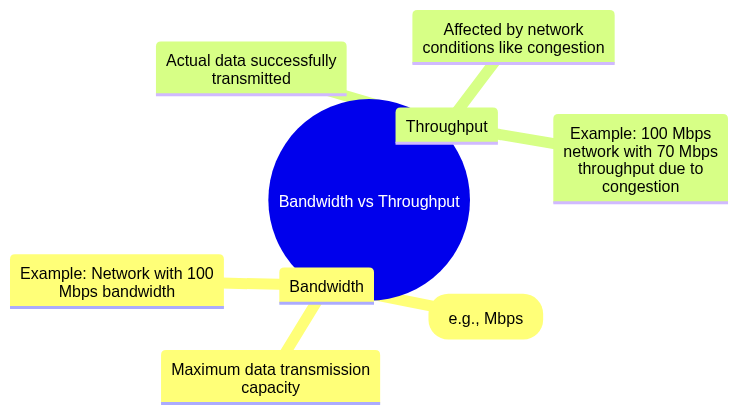
  root((Bandwidth vs Throughput))
    Bandwidth
      Maximum data transmission capacity
      Measured in bits per second (e.g., Mbps)
      Example: Network with 100 Mbps bandwidth
    Throughput
      Actual data successfully transmitted
      Affected by network conditions like congestion
      Example: 100 Mbps network with 70 Mbps throughput due to congestion
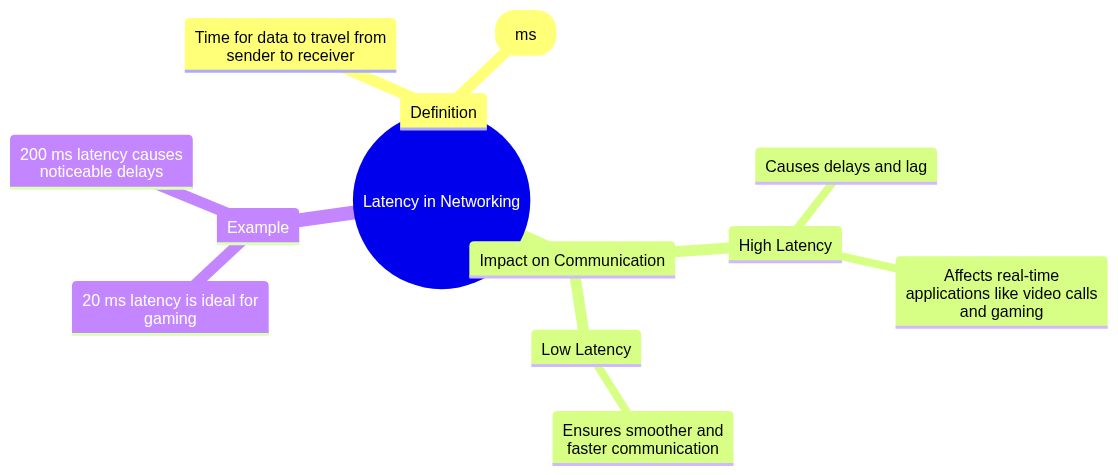
Latency: The time it takes for data to travel from the sender to the receiver, measured in milliseconds (ms).
Impact on Communication:
Example: Latency of 20 ms is ideal for gaming, while 200 ms can result in noticeable delays.
mindmap
  root((Latency in Networking))
    Definition
      Time for data to travel from sender to receiver
      Measured in milliseconds (ms)
    Impact on Communication
      High Latency
        Causes delays and lag
        Affects real-time applications like video calls and gaming
      Low Latency
        Ensures smoother and faster communication
    Example
      20 ms latency is ideal for gaming
      200 ms latency causes noticeable delays
This section discusses the functionality, differences, and roles of various network devices, including hubs, switches, routers, firewalls, modems, load balancers, and wireless access points (WAP).
| Device | Function | Key Feature | Example Usage |
|---|---|---|---|
| Hub | Broadcasts data to all devices in a network, regardless of destination. | Inefficient as all devices receive the same data. | Small home networks (rarely). |
| Switch | Forwards data only to the specific device it is intended for using MAC addresses. | Efficient communication with reduced network collisions. | Local Area Networks (LANs). |
| Router | Connects different networks and forwards data packets between them using IP addresses. | Provides internet access and handles routing across multiple networks. | Home or office internet access. |
mindmap
  root((Hub vs Switch vs Router))
    Hub
      Function
        Broadcasts data to all devices in a network
      Key Feature
        Inefficient as all devices receive the same data
      Example Usage
        Small home networks (rarely)
    Switch
      Function
        Forwards data to the specific device using MAC addresses
      Key Feature
        Efficient communication with reduced network collisions
      Example Usage
        Local Area Networks (LANs)
    Router
      Function
        Connects different networks and forwards data using IP addresses
      Key Feature
        Provides internet access and handles routing across networks
      Example Usage
        Home or office internet access
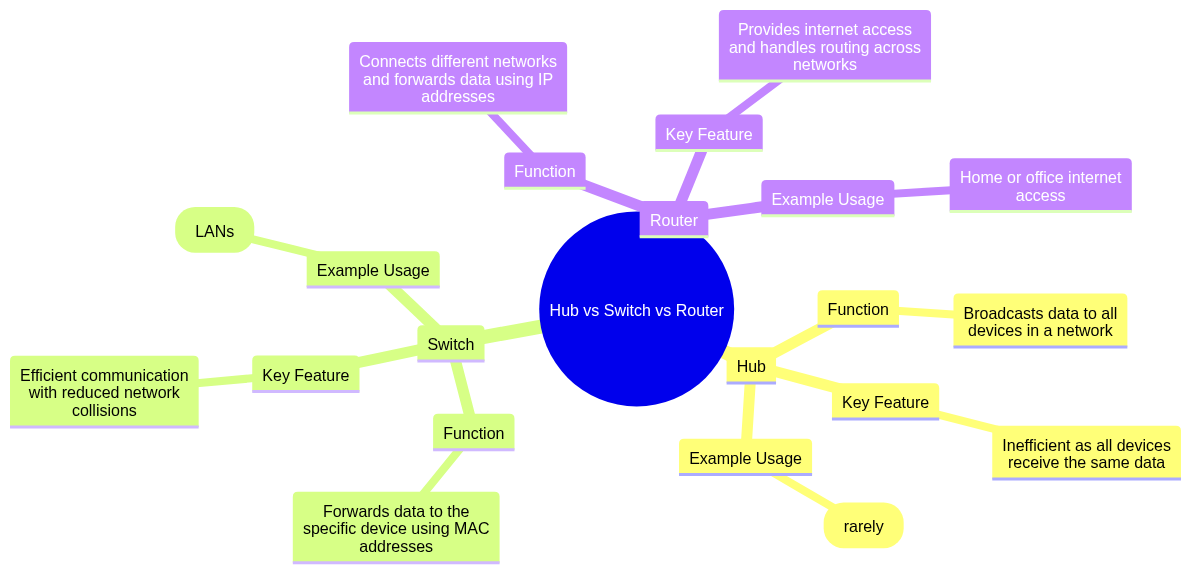
Firewall: A security device or software that monitors and controls incoming and outgoing network traffic based on predefined security rules.
Purpose:
mindmap
  root((Firewall in Networking))
    Definition
      Security device or software
      Monitors and controls network traffic
      Based on predefined security rules
    Purpose
      Protects networks from unauthorized access and cyber threats
      Blocks malicious traffic like viruses or hackers
      Filters traffic based on IP addresses, ports, and protocols
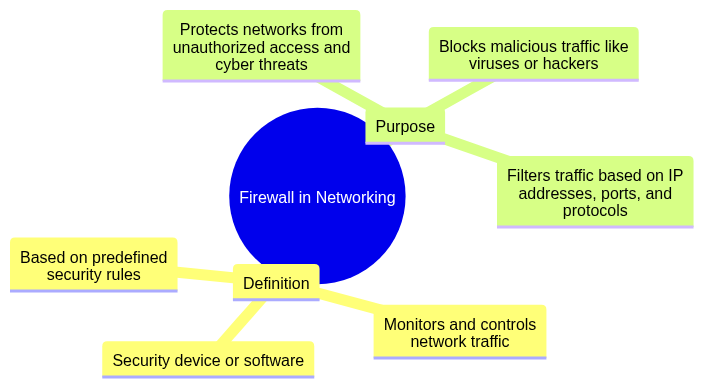
Modem (Modulator-Demodulator):
A device that converts digital signals from a computer into analog signals for transmission over phone lines (modulation) and converts incoming analog signals back to digital format (demodulation).
Role in Internet Connection:
mindmap
  root((Modem in Networking))
    Definition
      Converts digital signals to analog for transmission (modulation)
      Converts analog signals to digital for computers (demodulation)
    Role in Internet Connection
      Bridge between ISP and your network
      Connects home/office network to ISP via DSL, cable, or fiber
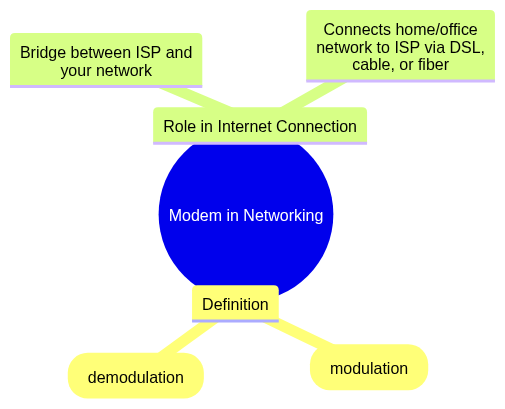
Load Balancer: A device or software that distributes incoming network traffic across multiple servers to ensure no single server is overwhelmed.
Usage in Networks:
mindmap
  root((Load Balancer in Networking))
    Definition
      Distributes incoming network traffic across multiple servers
      Prevents any single server from being overwhelmed
    Usage in Networks
      Improves performance by balancing workload
      Ensures high availability by redirecting traffic if a server fails
      Commonly used in web applications, cloud services, and data centers
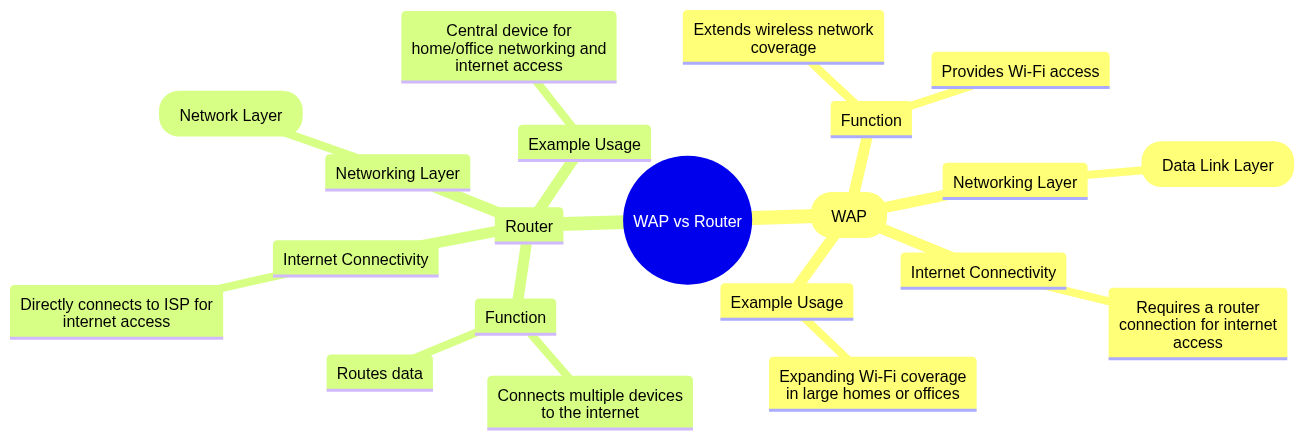
| Feature | Wireless Access Point (WAP) | Router |
|---|---|---|
| Function | Extends wireless network coverage by providing Wi-Fi access. | Connects multiple devices to the internet and routes data. |
| Networking Layer | Operates at Layer 2 (Data Link Layer). | Operates at Layer 3 (Network Layer). |
| Internet Connectivity | Requires a connection to a router to provide internet access. | Directly connects to the ISP for internet access. |
| Example Usage | Expanding Wi-Fi coverage in large homes or offices. | Central device for home/office networking and internet access. |
mindmap
  root((WAP vs Router))
    Wireless Access Point (WAP)
      Function
        Extends wireless network coverage
        Provides Wi-Fi access
      Networking Layer
        Operates at Layer 2 (Data Link Layer)
      Internet Connectivity
        Requires a router connection for internet access
      Example Usage
        Expanding Wi-Fi coverage in large homes or offices
    Router
      Function
        Connects multiple devices to the internet
        Routes data
      Networking Layer
        Operates at Layer 3 (Network Layer)
      Internet Connectivity
        Directly connects to ISP for internet access
      Example Usage
        Central device for home/office networking and internet access
This section covers essential security concepts in networking, including encryption, authentication, VPNs, cyberattacks, firewalls, and protocols like SSL/TLS.
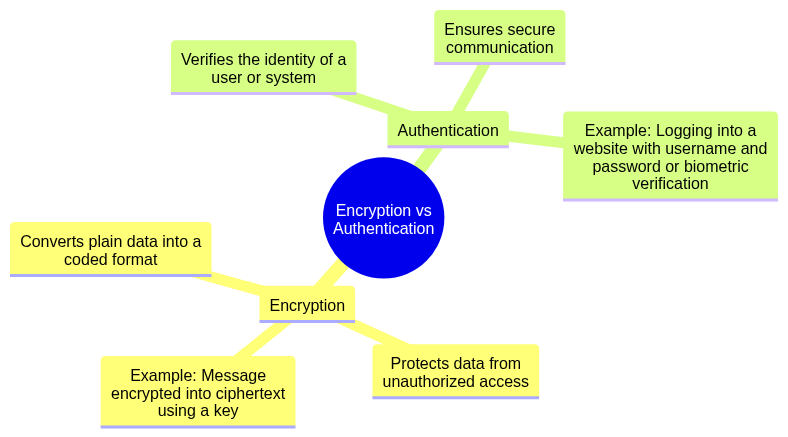
mindmap
  root((Encryption vs Authentication))
    Encryption
      Converts plain data into a coded format
      Protects data from unauthorized access
      Example: Message encrypted into ciphertext using a key
    Authentication
      Verifies the identity of a user or system
      Ensures secure communication
      Example: Logging into a website with username and password or biometric verification
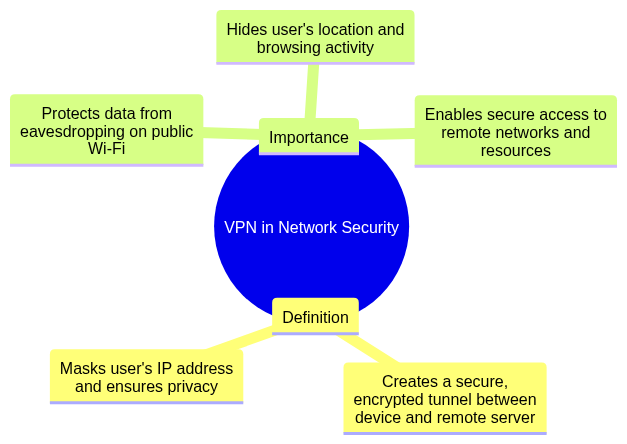
VPN (Virtual Private Network): A technology that creates a secure, encrypted tunnel between a user’s device and a remote server, masking the user's IP address and ensuring privacy.
Importance in Network Security:
mindmap
  root((VPN in Network Security))
    Definition
      Creates a secure, encrypted tunnel between device and remote server
      Masks user's IP address and ensures privacy
    Importance
      Protects data from eavesdropping on public Wi-Fi
      Hides user's location and browsing activity
      Enables secure access to remote networks and resources
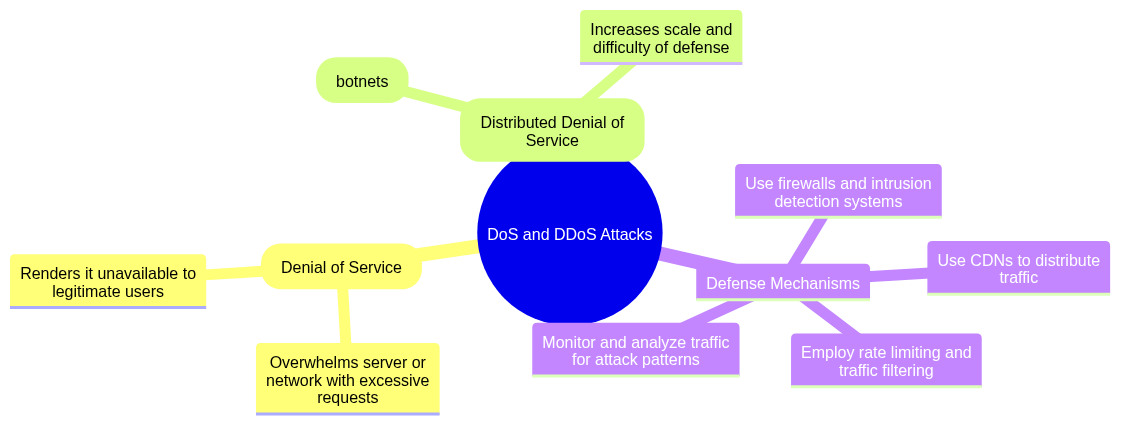
Defense Mechanisms:
mindmap
  root((DoS and DDoS Attacks))
    DoS (Denial of Service)
      Overwhelms server or network with excessive requests
      Renders it unavailable to legitimate users
    DDoS (Distributed Denial of Service)
      Similar to DoS but launched from multiple systems (botnets)
      Increases scale and difficulty of defense
    Defense Mechanisms
      Use firewalls and intrusion detection systems
      Employ rate limiting and traffic filtering
      Use CDNs to distribute traffic
      Monitor and analyze traffic for attack patterns
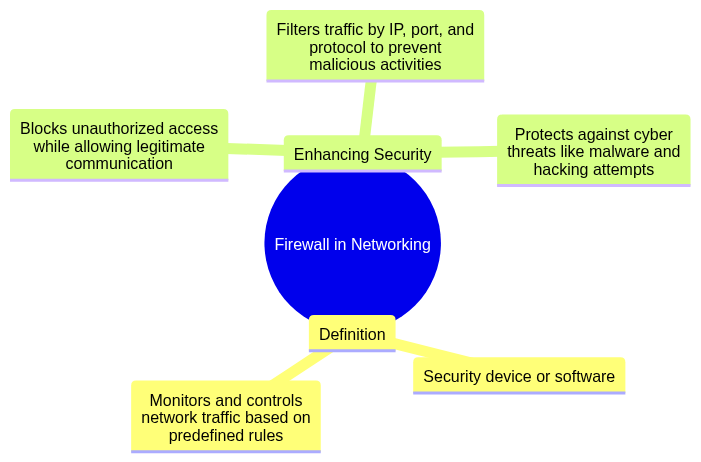
Firewall: A security device or software that monitors and controls network traffic based on predefined rules.
Enhancing Security:
mindmap
  root((Firewall in Networking))
    Definition
      Security device or software
      Monitors and controls network traffic based on predefined rules
    Enhancing Security
      Blocks unauthorized access while allowing legitimate communication
      Filters traffic by IP, port, and protocol to prevent malicious activities
      Protects against cyber threats like malware and hacking attempts
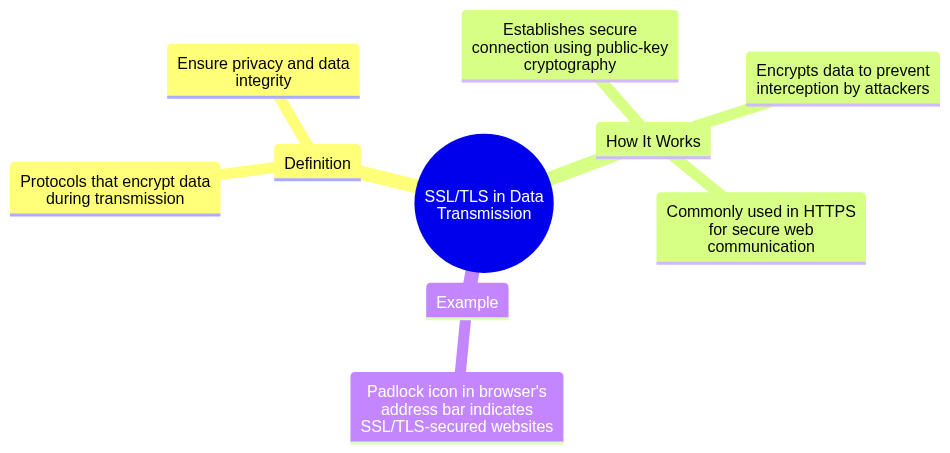
SSL (Secure Sockets Layer) and TLS (Transport Layer Security): Protocols that encrypt data during transmission over the internet, ensuring privacy and data integrity.
How It Works:
Example: A padlock icon in the browser’s address bar indicates SSL/TLS-secured websites.
mindmap
  root((SSL/TLS in Data Transmission))
    Definition
      Protocols that encrypt data during transmission
      Ensure privacy and data integrity
    How It Works
      Establishes secure connection using public-key cryptography
      Encrypts data to prevent interception by attackers
      Commonly used in HTTPS for secure web communication
    Example
      Padlock icon in browser's address bar indicates SSL/TLS-secured websites
This section delves into advanced networking concepts such as NAT, routing methods, DNS, QoS, and the integral role of networking in cloud computing.
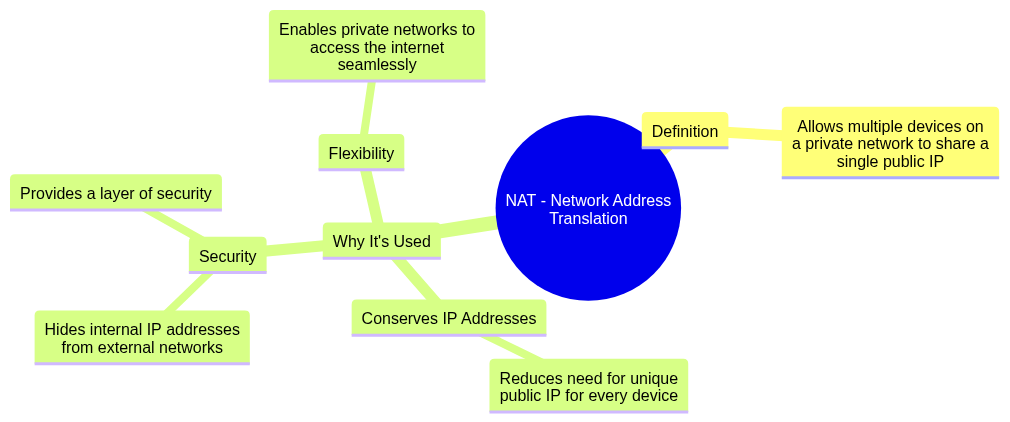
NAT (Network Address Translation): A technique that allows multiple devices on a private network to share a single public IP address for internet access.
Why It’s Used:
mindmap
  root((NAT - Network Address Translation))
    Definition
      Allows multiple devices on a private network to share a single public IP
    Why It's Used
      Conserves IP Addresses
        Reduces need for unique public IP for every device
      Security
        Hides internal IP addresses from external networks
        Provides a layer of security
      Flexibility
        Enables private networks to access the internet seamlessly
| Feature | Static Routing | Dynamic Routing |
|---|---|---|
| Definition | Routes are manually configured and remain fixed. | Routes are automatically learned and updated by protocols. |
| Scalability | Not scalable for large networks. | Easily scalable for large, complex networks. |
| Protocols Used | No protocol required (manual configuration). | Uses routing protocols like RIP, OSPF, BGP. |
| Example Usage | Small networks with stable routes. | Large, dynamic networks like ISPs. |
mindmap
  root((Static Routing vs Dynamic Routing))
    Static Routing
      Definition
        Routes are manually configured and remain fixed
      Scalability
        Not scalable for large networks
      Protocols Used
        No protocol required (manual configuration)
      Example Usage
        Small networks with stable routes
    Dynamic Routing
      Definition
        Routes are automatically learned and updated by protocols
      Scalability
        Easily scalable for large, complex networks
      Protocols Used
        Uses routing protocols like RIP, OSPF, BGP
      Example Usage
        Large, dynamic networks like ISPs

DNS (Domain Name System): A system that translates human-readable domain names (e.g., www.google.com) into machine-readable IP addresses (e.g., 142.250.190.78).
Role in the Internet:
mindmap
  root((DNS - Domain Name System))
    Definition
      Translates domain names into machine-readable IP addresses
      Example: www.google.com → 142.250.190.78
    Role in the Internet
      Enables users to access websites using domain names
      Acts as a phonebook of the internet mapping domain names to servers
      Supports load balancing by resolving multiple IPs for a single domain

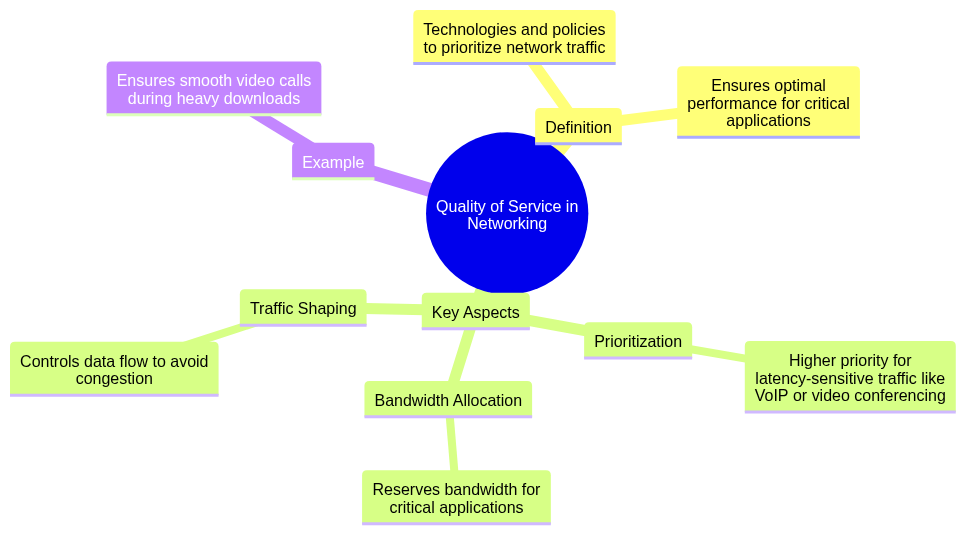
Quality of Service (QoS): A set of technologies and policies used to prioritize certain types of network traffic to ensure optimal performance for critical applications.
Key Aspects:
Example: Ensuring smooth video calls even during heavy downloads.
mindmap
  root((Quality of Service in Networking))
    Definition
      Technologies and policies to prioritize network traffic
      Ensures optimal performance for critical applications
    Key Aspects
      Prioritization
        Higher priority for latency-sensitive traffic like VoIP or video conferencing
      Bandwidth Allocation
        Reserves bandwidth for critical applications
      Traffic Shaping
        Controls data flow to avoid congestion
    Example
      Ensures smooth video calls during heavy downloads
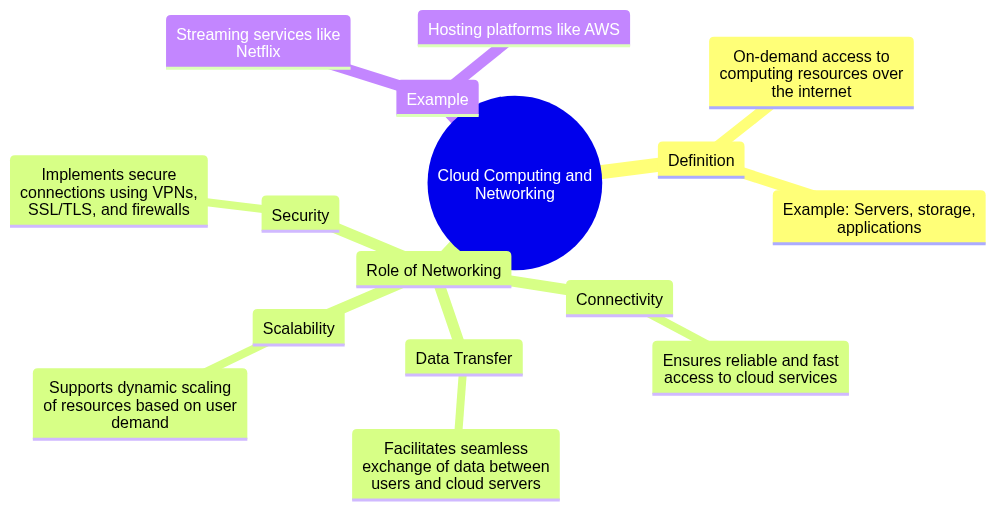
Cloud Computing: A technology that provides on-demand access to computing resources (e.g., servers, storage, applications) over the internet.
Role of Networking:
Example: Streaming services like Netflix or hosting platforms like AWS rely on robust networking for performance and availability.
mindmap
  root((Cloud Computing and Networking))
    Definition
      On-demand access to computing resources over the internet
      Example: Servers, storage, applications
    Role of Networking
      Connectivity
        Ensures reliable and fast access to cloud services
      Data Transfer
        Facilitates seamless exchange of data between users and cloud servers
      Scalability
        Supports dynamic scaling of resources based on user demand
      Security
        Implements secure connections using VPNs, SSL/TLS, and firewalls
    Example
      Streaming services like Netflix
      Hosting platforms like AWS
This section provides practical steps and tools for diagnosing and resolving common network issues, along with real-world scenarios for applying troubleshooting methods.
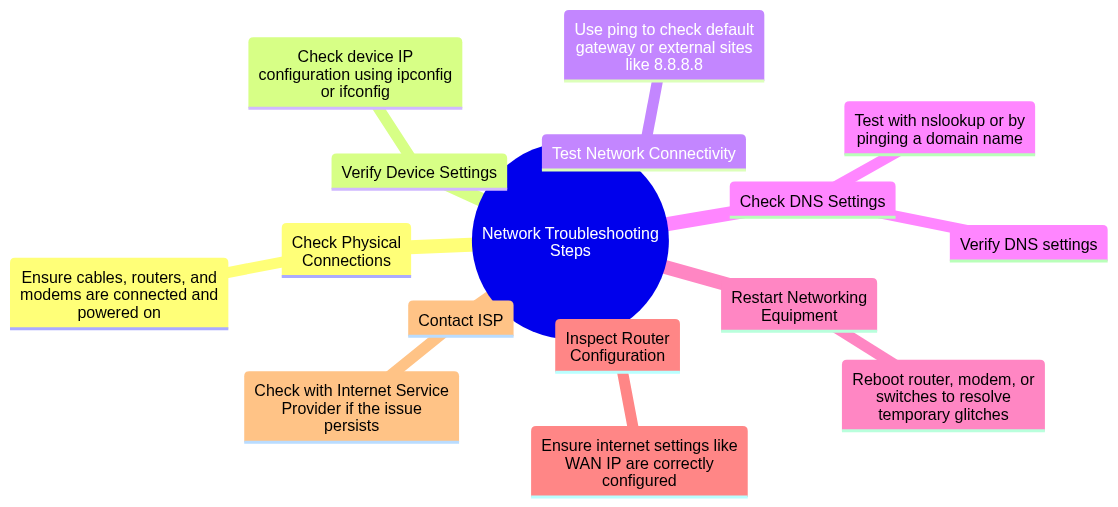
ipconfig (Windows) or ifconfig (Linux/Mac).ping to check if the default gateway or external sites (e.g., 8.8.8.8) are reachable.nslookup or by pinging a domain name.
mindmap
  root((Network Troubleshooting Steps))
    Check Physical Connections
      Ensure cables, routers, and modems are connected and powered on
    Verify Device Settings
      Check device IP configuration using ipconfig or ifconfig
    Test Network Connectivity
      Use ping to check default gateway or external sites like 8.8.8.8
    Check DNS Settings
      Verify DNS settings
      Test with nslookup or by pinging a domain name
    Restart Networking Equipment
      Reboot router, modem, or switches to resolve temporary glitches
    Inspect Router Configuration
      Ensure internet settings like WAN IP are correctly configured
    Contact ISP
      Check with Internet Service Provider if the issue persists
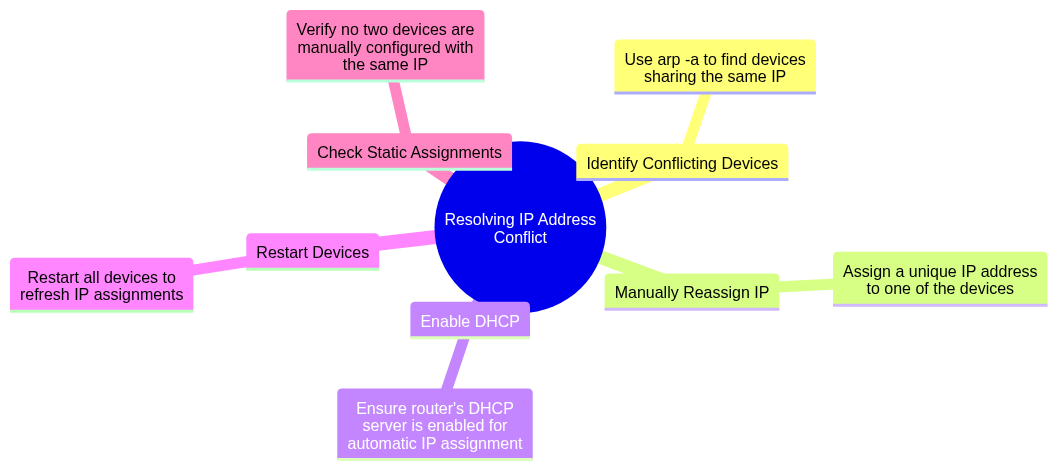
arp -a to identify devices sharing the same IP.
mindmap
  root((Resolving IP Address Conflict))
    Identify Conflicting Devices
      Use arp -a to find devices sharing the same IP
    Manually Reassign IP
      Assign a unique IP address to one of the devices
    Enable DHCP
      Ensure router's DHCP server is enabled for automatic IP assignment
    Restart Devices
      Restart all devices to refresh IP assignments
    Check Static Assignments
      Verify no two devices are manually configured with the same IP
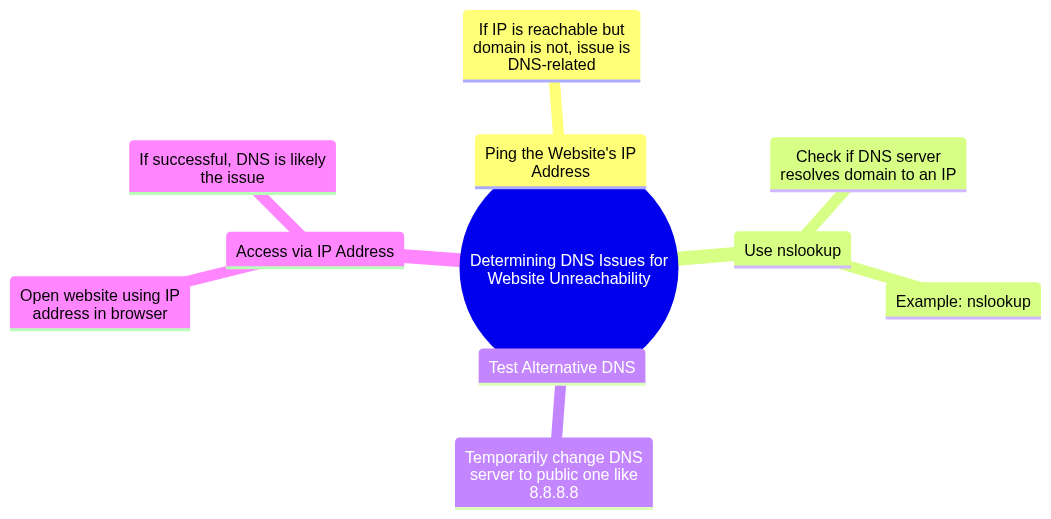
nslookup: Check if the DNS server resolves the domain to an IP address.
Example: nslookup www.google.com.8.8.8.8 from Google).
mindmap
  root((Determining DNS Issues for Website Unreachability))
    Ping the Website's IP Address
      If IP is reachable but domain is not, issue is DNS-related
    Use nslookup
      Check if DNS server resolves domain to an IP
      Example: nslookup www.google.com
    Test Alternative DNS
      Temporarily change DNS server to public one like 8.8.8.8
    Access via IP Address
      Open website using IP address in browser
      If successful, DNS is likely the issue
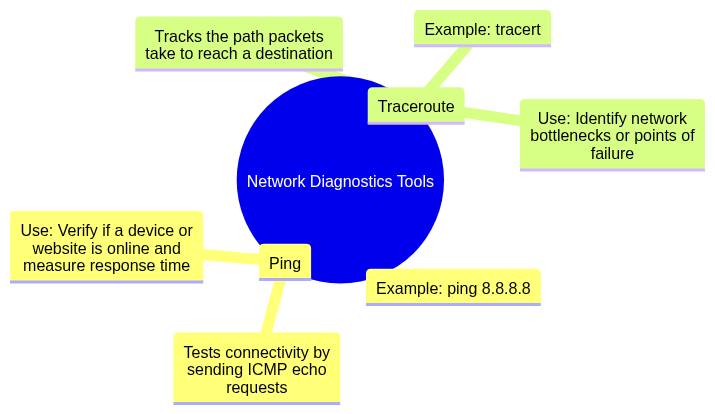
ping 8.8.8.8 checks if Google’s DNS server is reachable.
Use: Verify if a device or website is online and measure response time.
tracert in Windows): Tracks the path packets take to reach a destination.
Example: tracert www.google.com.
Use: Identify network bottlenecks or points of failure.
mindmap
  root((Network Diagnostics Tools))
    Ping
      Tests connectivity by sending ICMP echo requests
      Example: ping 8.8.8.8
      Use: Verify if a device or website is online and measure response time
    Traceroute
      Tracks the path packets take to reach a destination
      Example: tracert www.google.com
      Use: Identify network bottlenecks or points of failure
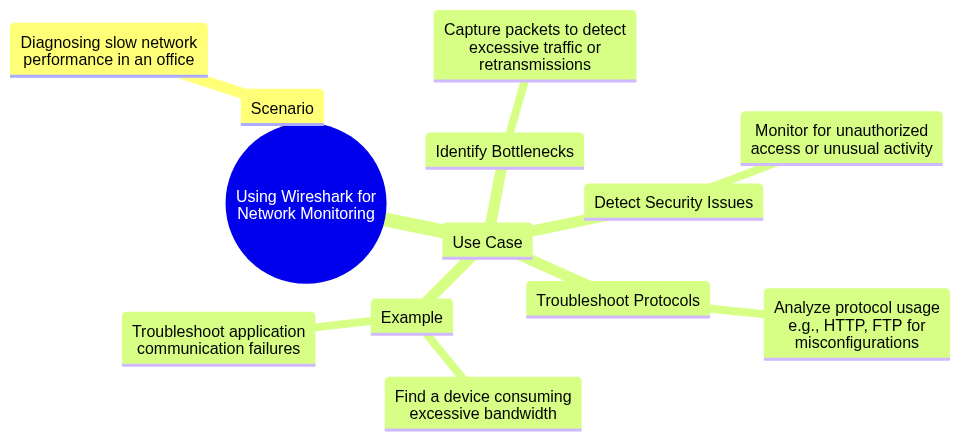
Scenario: Diagnosing slow network performance in an office.
Use Case:
mindmap
  root((Using Wireshark for Network Monitoring))
    Scenario
      Diagnosing slow network performance in an office
    Use Case
      Identify Bottlenecks
        Capture packets to detect excessive traffic or retransmissions
      Detect Security Issues
        Monitor for unauthorized access or unusual activity
      Troubleshoot Protocols
        Analyze protocol usage e.g., HTTP, FTP for misconfigurations
      Example
        Find a device consuming excessive bandwidth
        Troubleshoot application communication failures